The remote you always have with you.
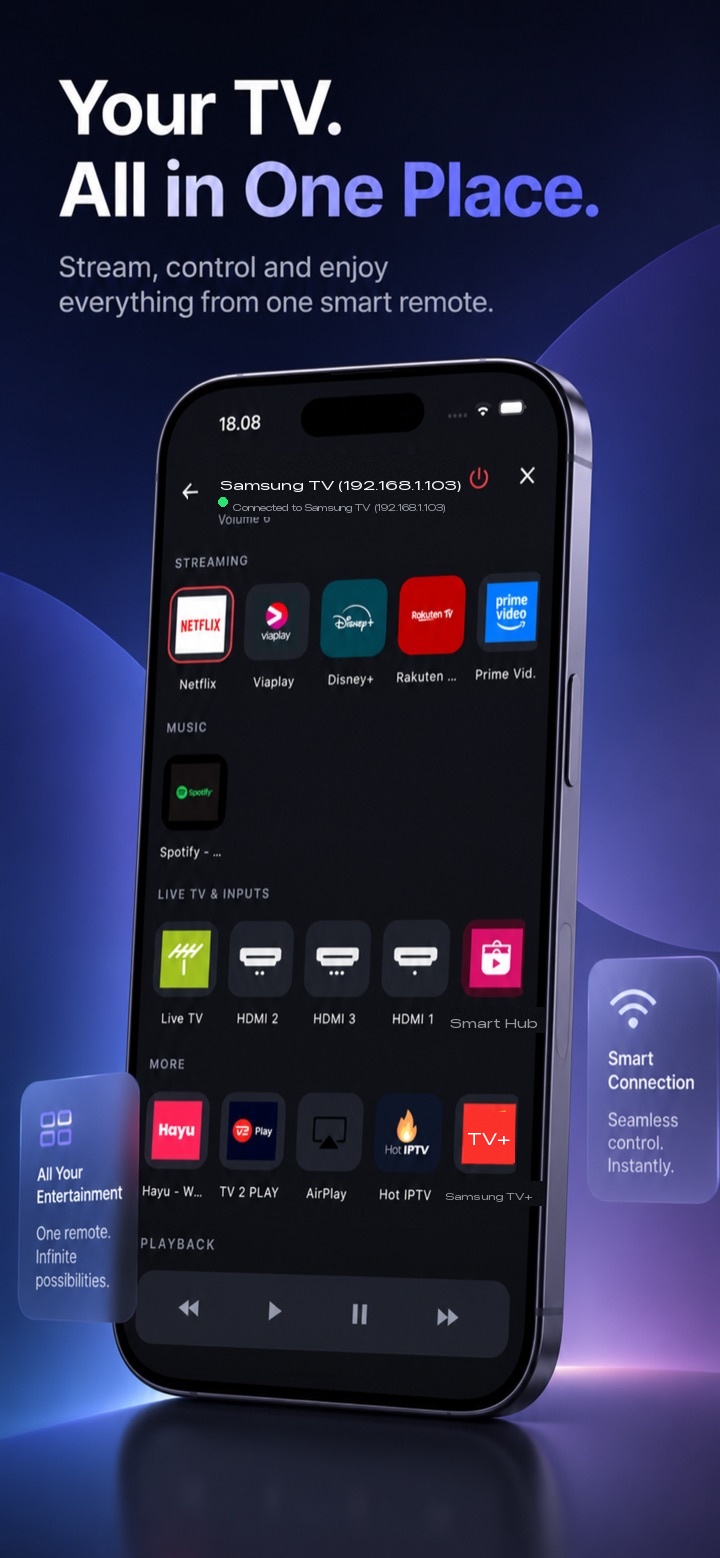
Your phone becomes a complete remote for your Samsung television — it finds the TV on its own, controls everything, opens your apps, and powers the set on over Wi-Fi.
See it in action
What it does
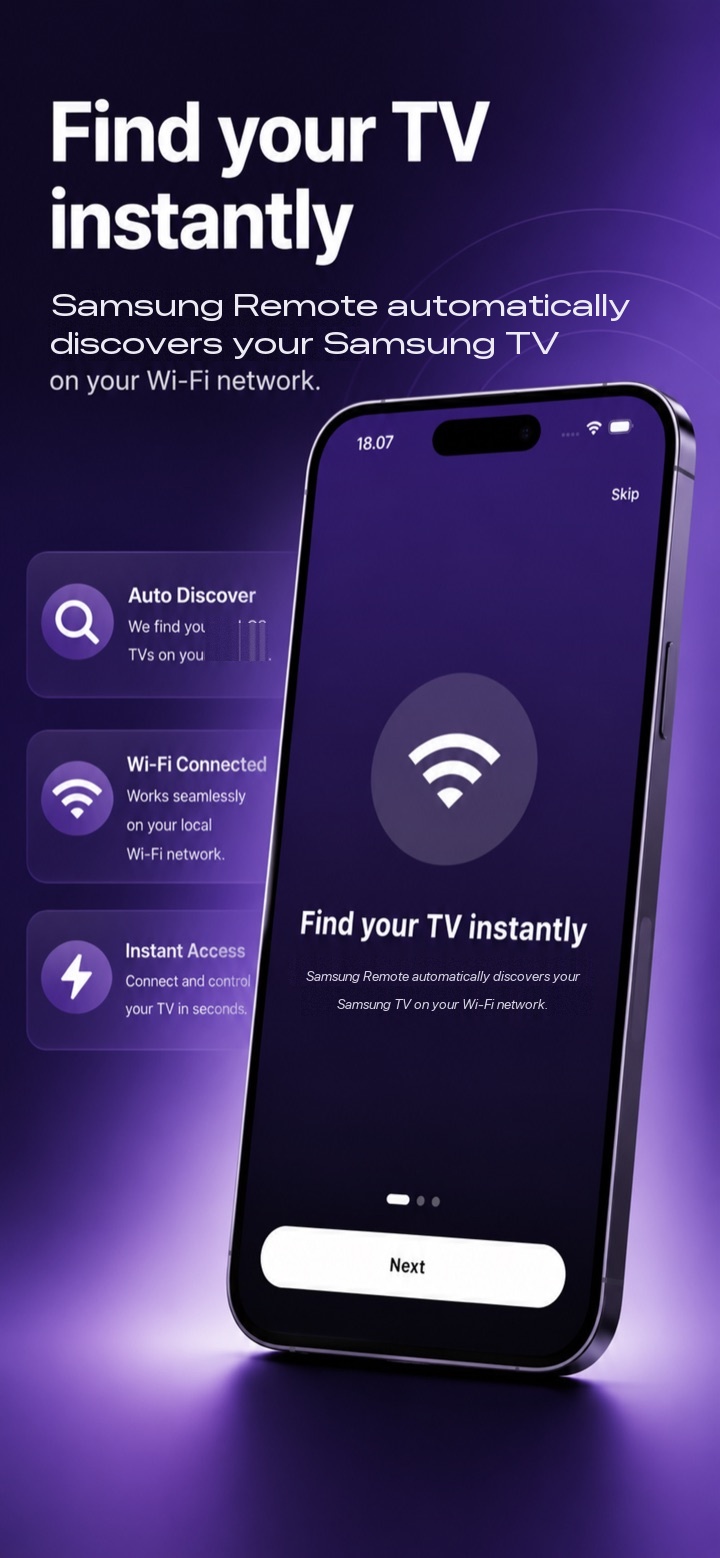
Finds your TV automatically
Open the app and it discovers Samsung TVs on your Wi-Fi — no codes, no manual IP addresses, no setup wizard.
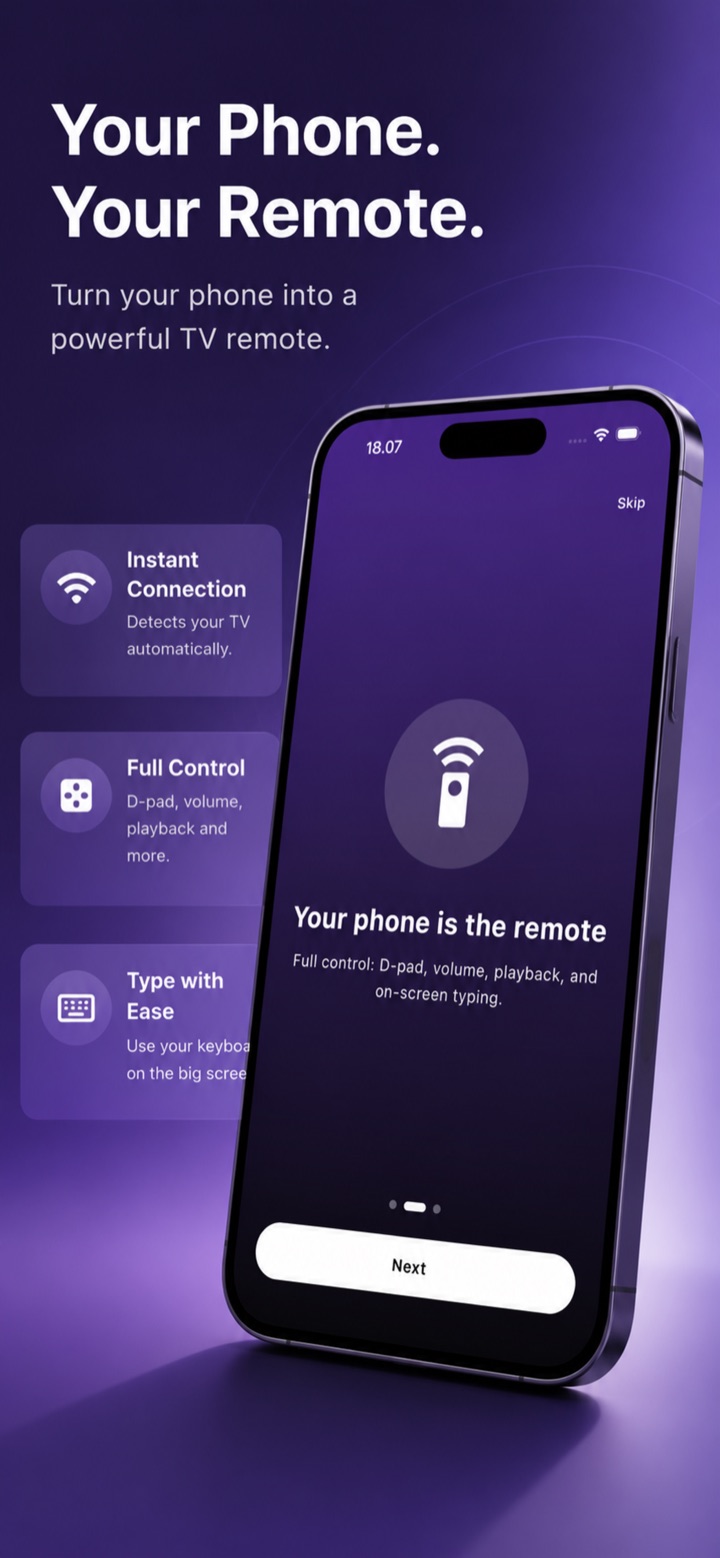
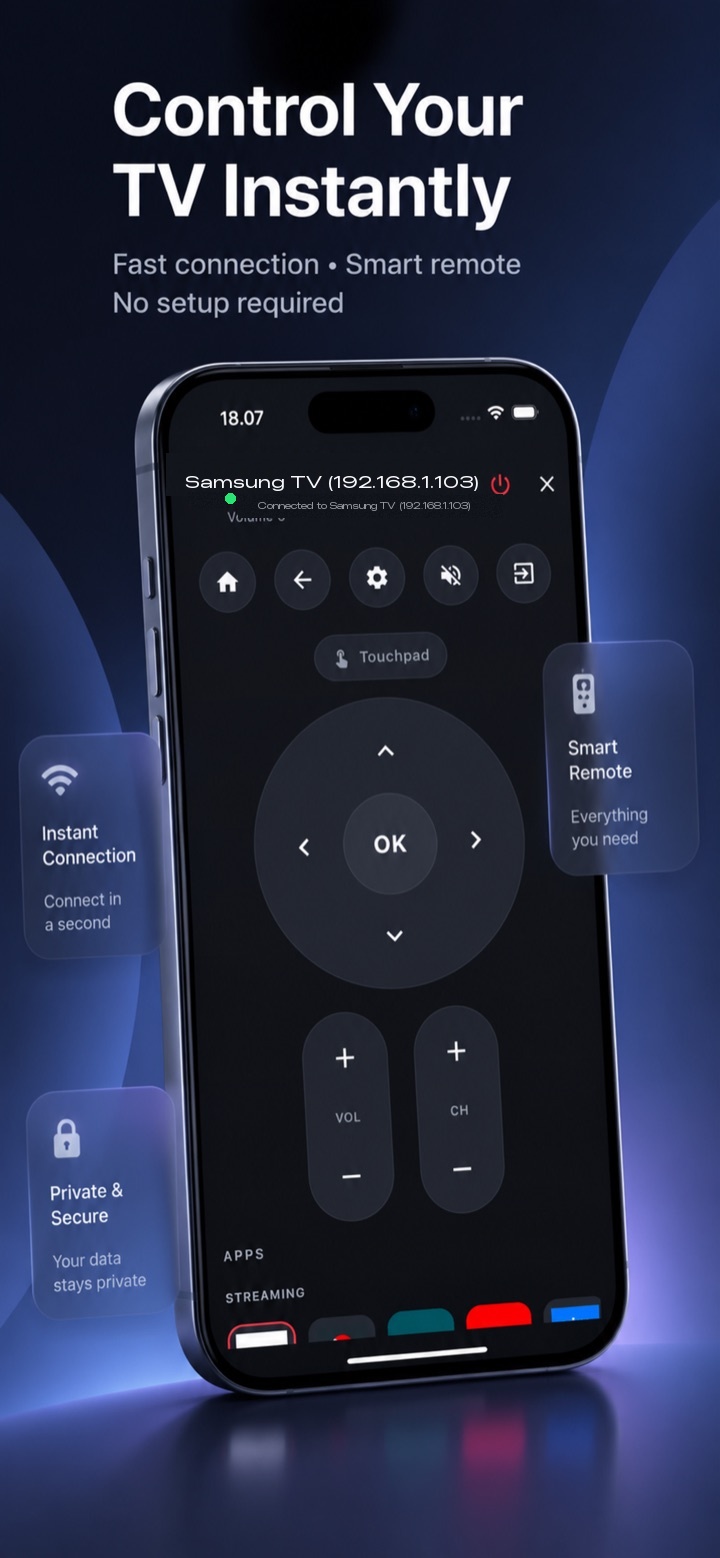
Every button, on your phone
Directional pad, OK, back and home, volume, playback, and an on-screen keyboard for typing into search fields and apps.
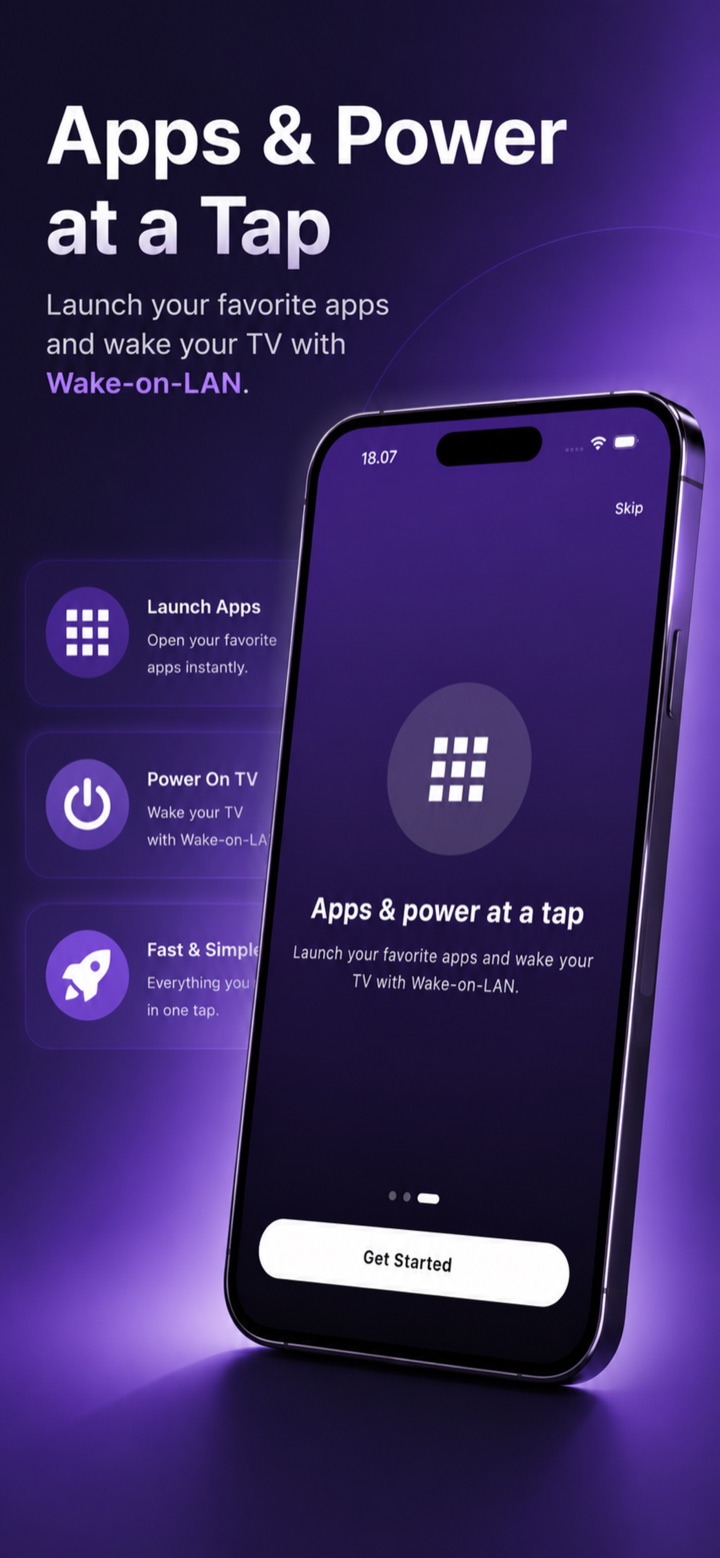
Launches your apps
Jump straight into your streaming and TV apps with a single tap, without scrolling through the TV's home row.
Turns the TV on over Wi-Fi
Wake the set from standby with built-in Wake-on-LAN — no need to find the physical remote first.
Free for a week, then simple.
Samsung TV Remote starts with a 7-day free trial, then continues as a monthly or yearly subscription. It renews automatically unless cancelled at least 24 hours before the period ends, and you can manage or cancel anytime in your App Store or Google Play account settings.
Not affiliated with, endorsed by, or sponsored by Samsung Electronics. "Samsung" is a trademark of its respective owner, used here for descriptive purposes only.
Questions or support?
Need help with the app, have a feature request, or found something that doesn't work on your TV model? Email info@justcode.dk and you'll reach the developer directly.